Description
Find a meeting time that works for everyone
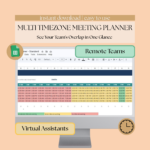
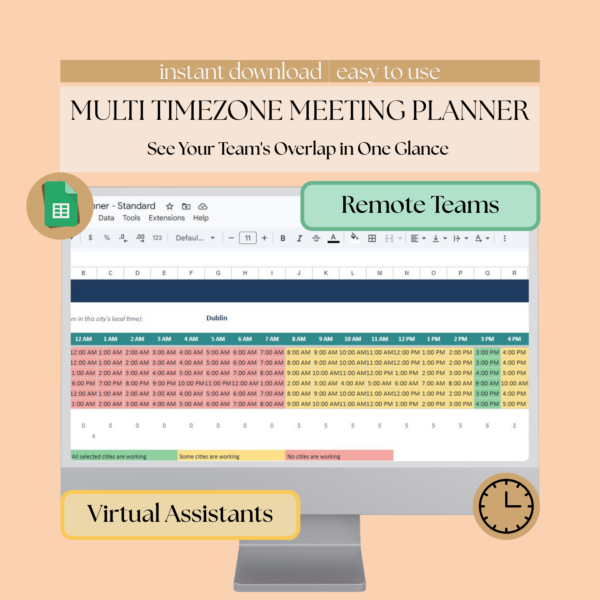
If you’ve tried to set up a call with teammates spread across time zones, you know the back and forth. This timezone meeting planner does the math for you. Set your team’s cities once in this time zone scheduler, and it shows you which hours overlap and which don’t.
How this time zone planner works
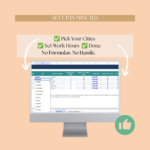
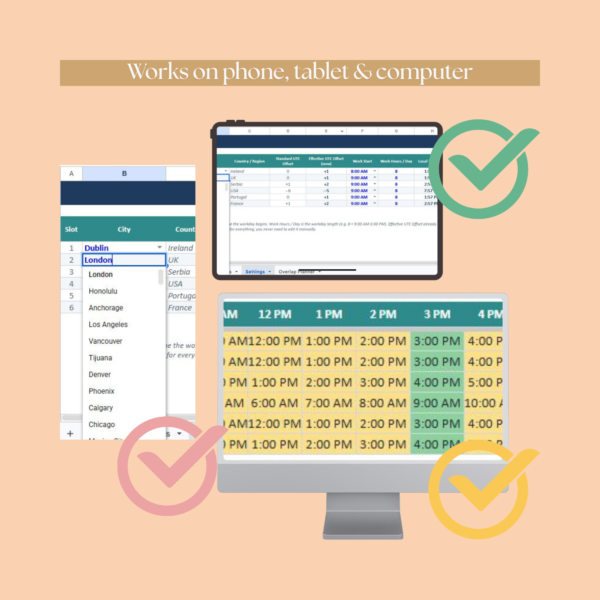
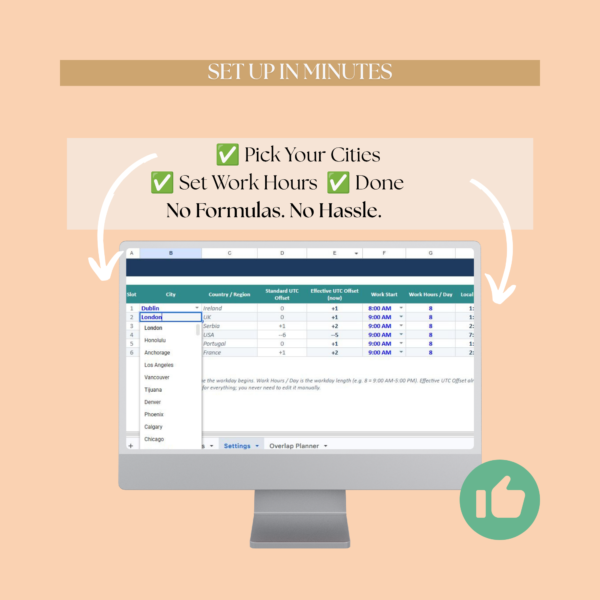
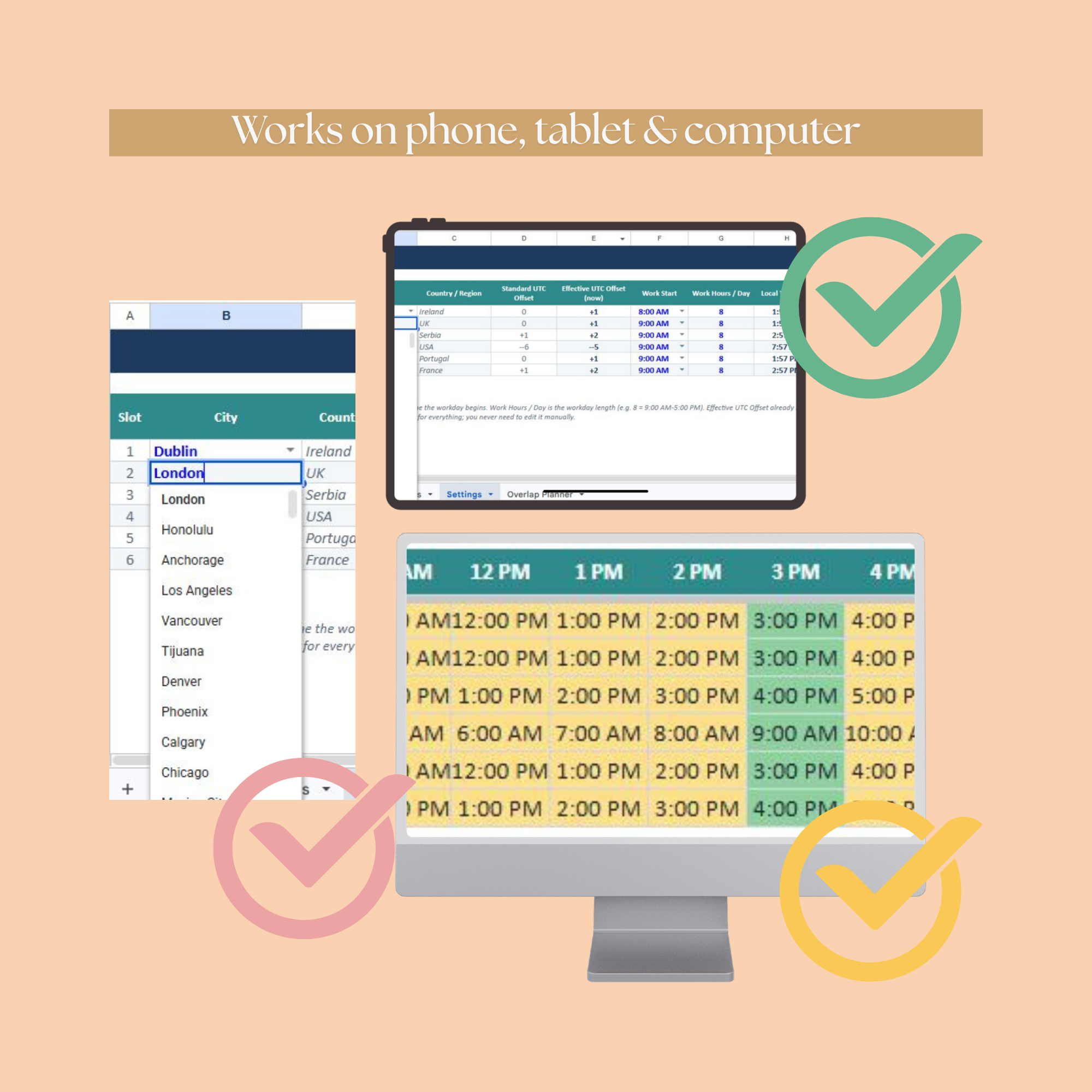
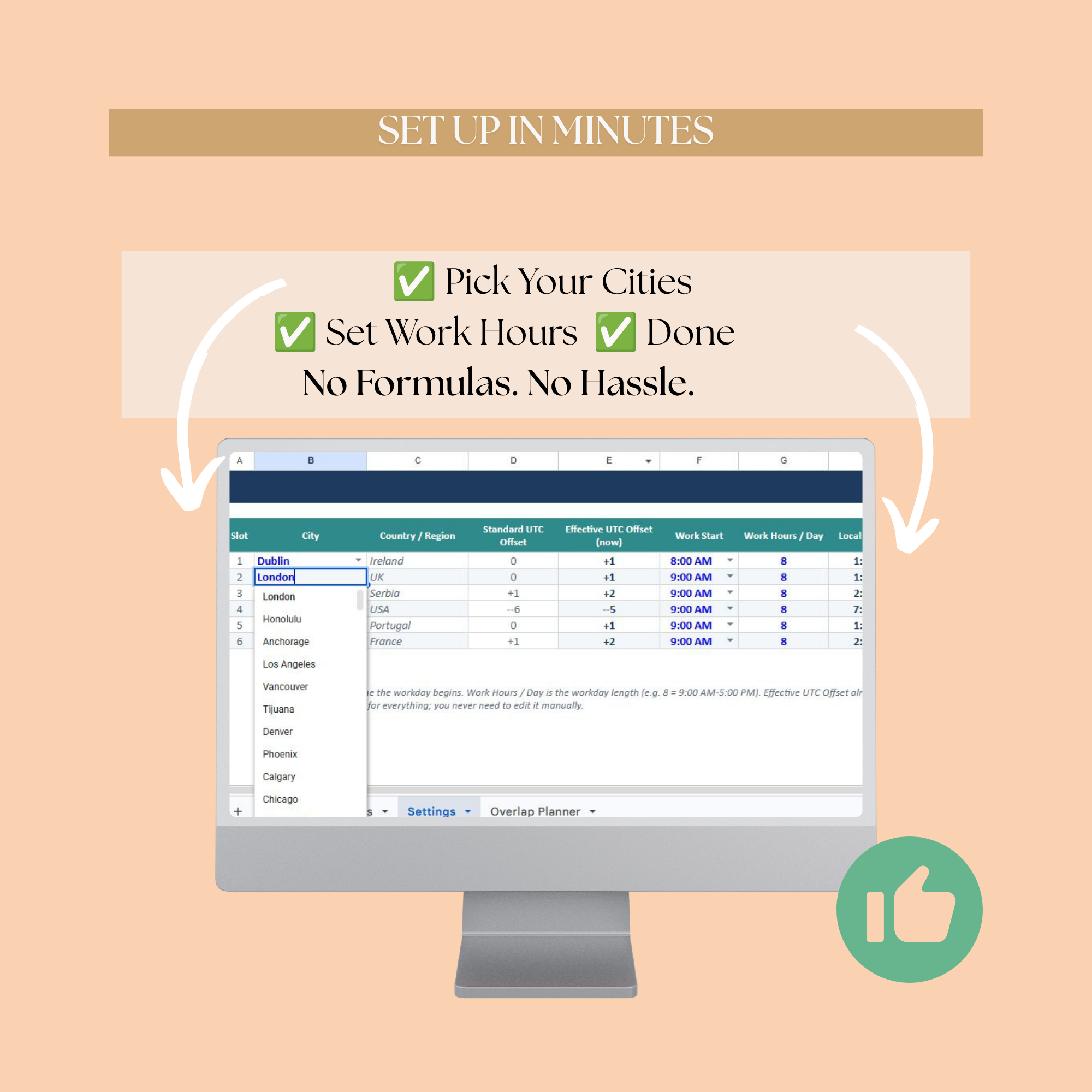
Pick up to 6 cities from the dropdown list. Each city defaults to a 9 AM start and 8 hour workday, adjustable to match your team’s real hours.
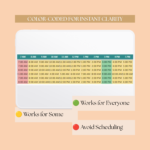
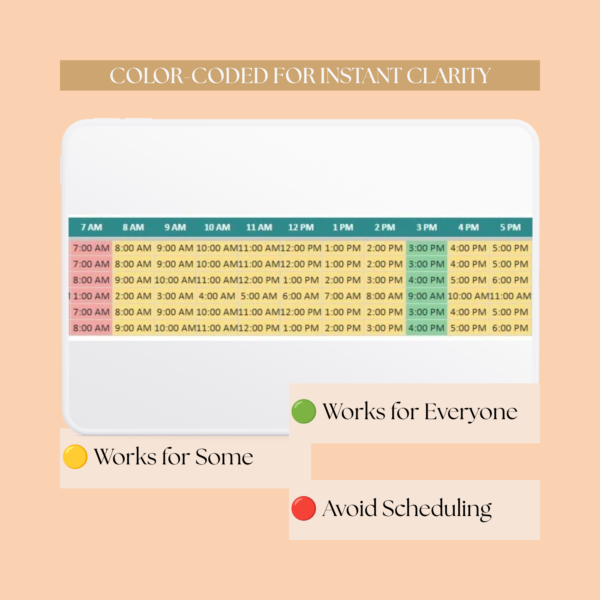
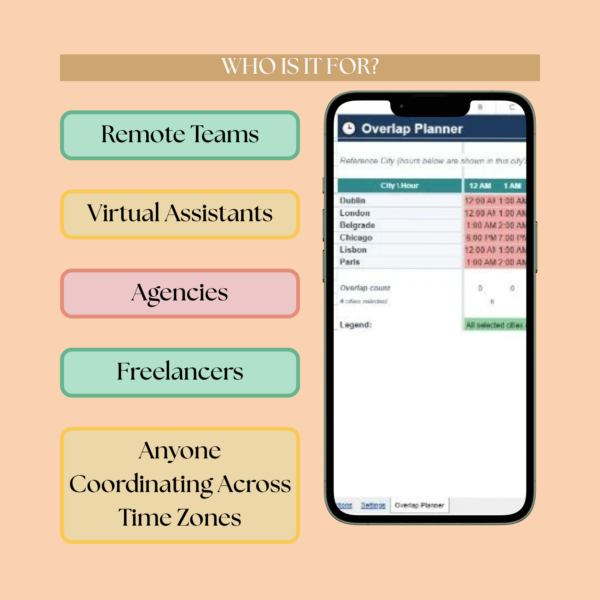
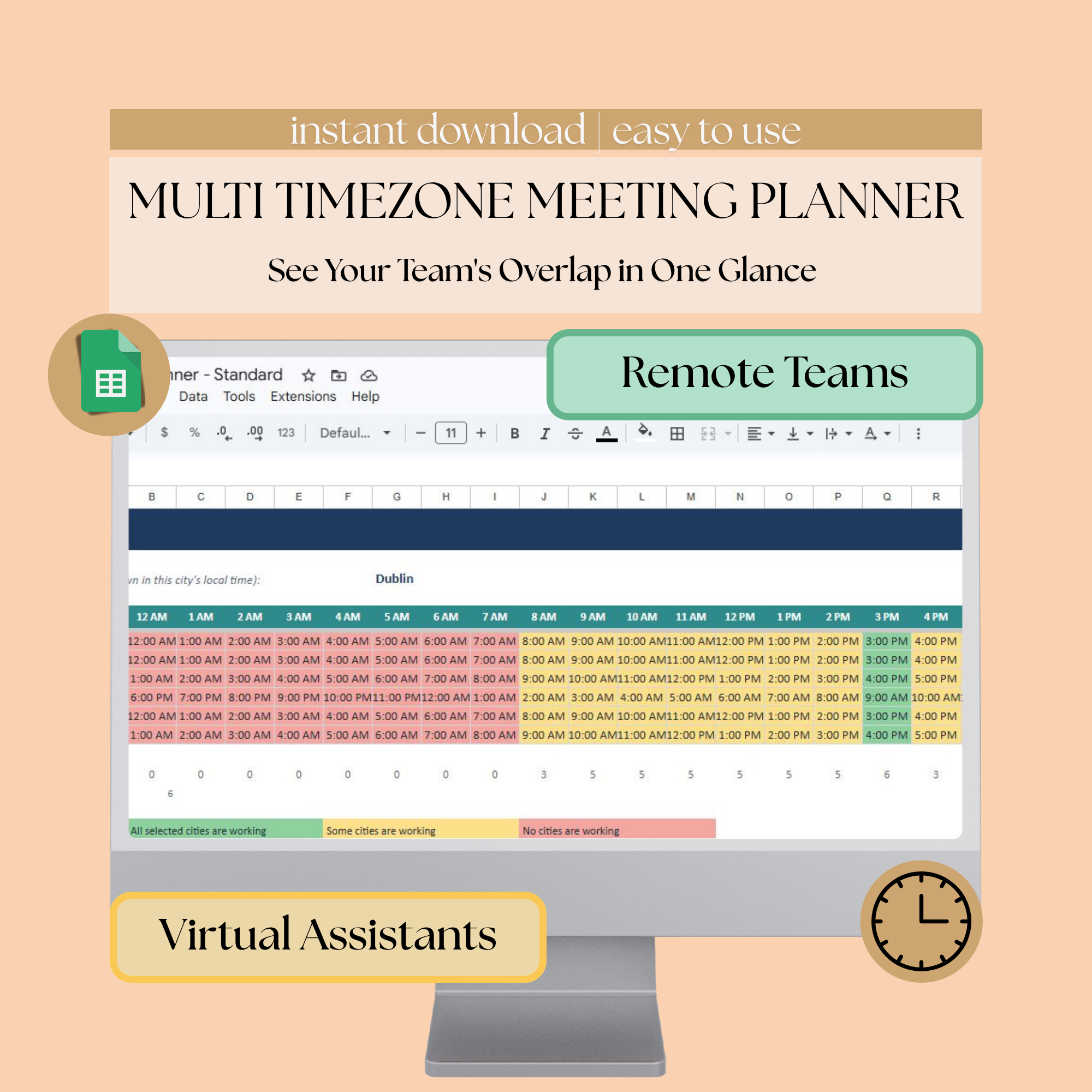
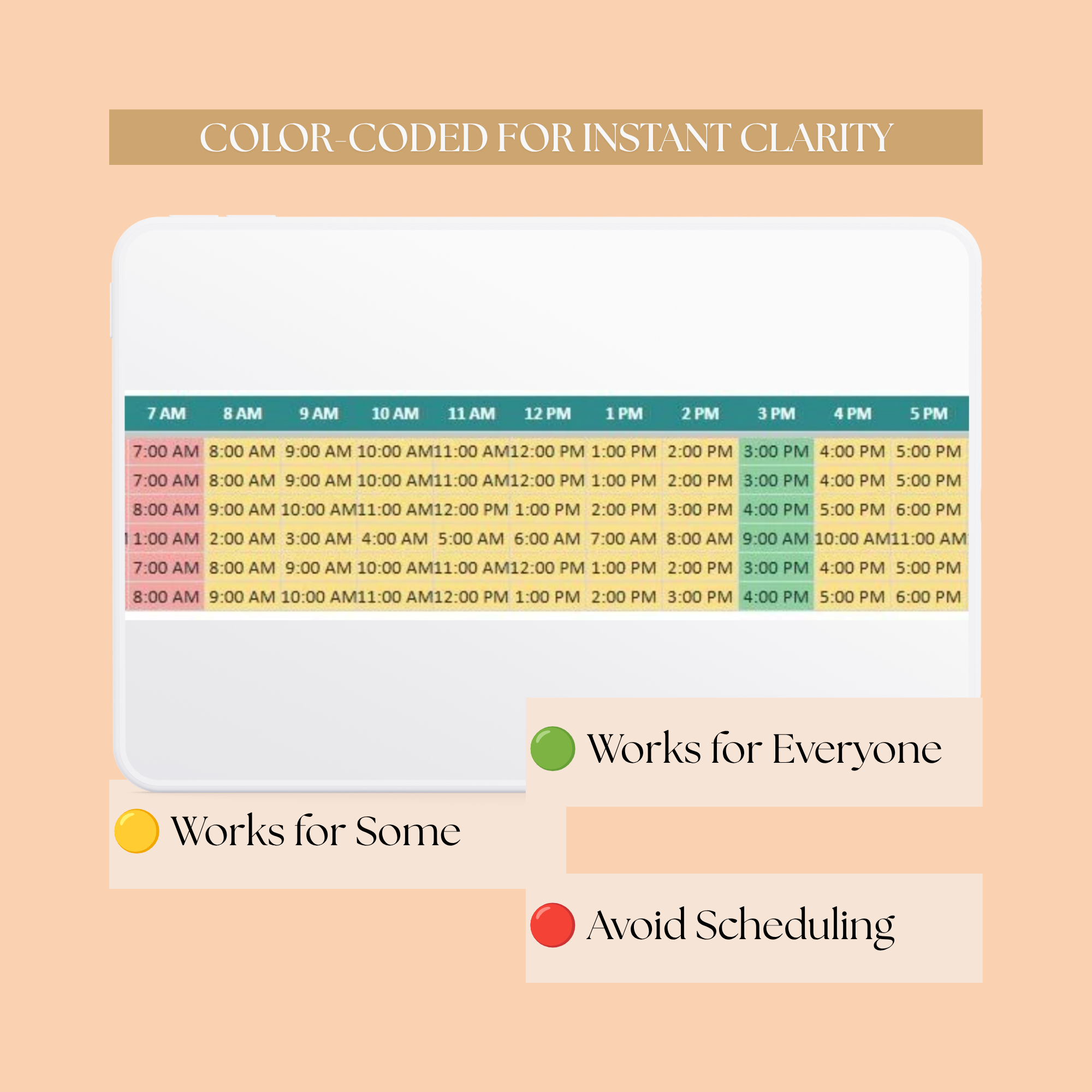
The Overlap Planner tab shows 24 hours across the top, your cities listed down the side, color coded:
- Green – working hours for everyone, ideal meeting slot
- Yellow – working hours for some, possible but not ideal
- Red – outside working hours for most or all cities
This meeting scheduler for time zones also handles daylight saving automatically. Each city’s DST rule is built in, so the sheet shifts on its own when daylight saving starts or ends. Change the reference city dropdown anytime, and it recalculates every hour around that city’s local day, working like a time zone meeting converter on demand.
Who is this timezone meeting planner for
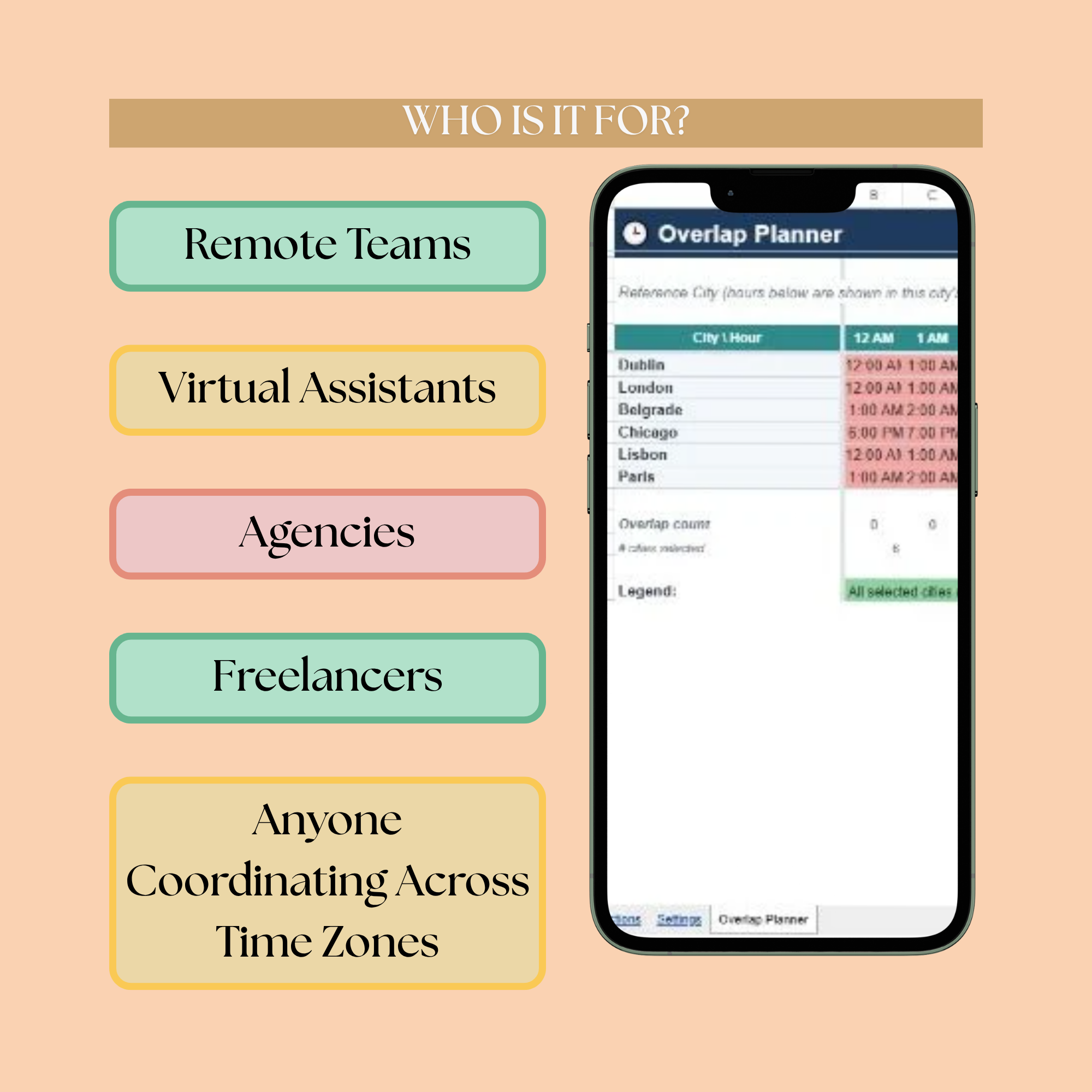
This fits you if you manage or work on a remote or hybrid team across countries, schedule recurring calls with clients in other time zones, or want one shared time zone calculator for meetings instead of converting hours by hand every time.
What’s included
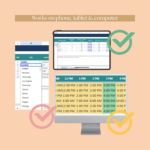
- Editable Google Sheets file (this listing)
- Settings tab to add your cities and working hours
- Overlap Planner tab with automatic color coding
- Built in daylight saving time handling
- Step by step instructions tab
Other formats and versions
This is the Standard Google Sheets version, covering up to 6 cities. Also in the shop: Standard Excel, Lite Google Sheets (up to 3 cities), and Lite Excel.

Reviews
There are no reviews yet.